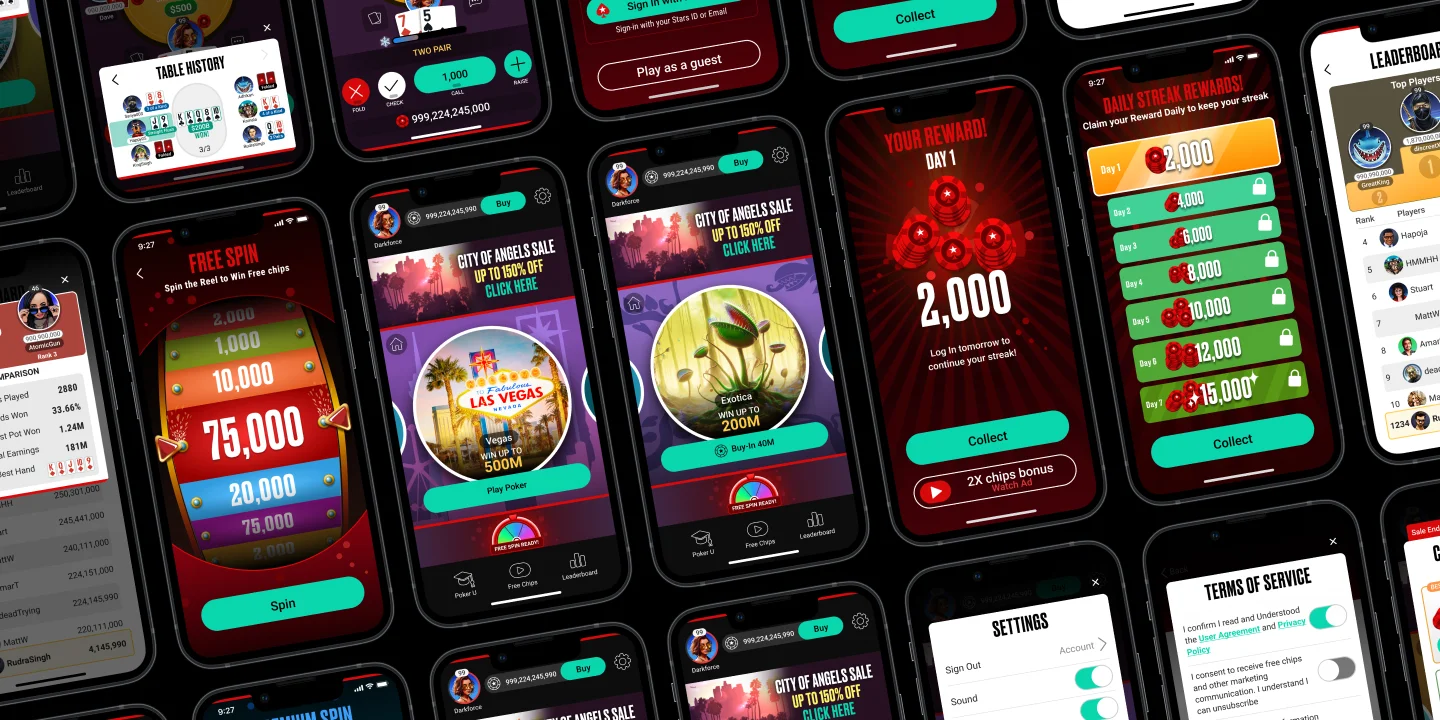
Blitz: A Poker App made in Unity
2020-2024 | ISLE OF MAN
Overview
To design a unique portrait fast-paced Poker app for mobile for new players of Poker giving Poker training and getting them comfortable with the game
My Role
UI/UX (Product) Designer
I took ownership for the app's full development cycle, maintaining a close collaboration with Product and development teams.
Other team members:
1 UI Artist
1 Illustrator
1 Junior Animator
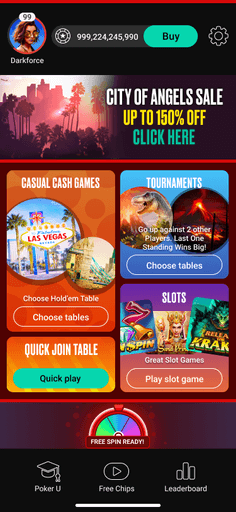
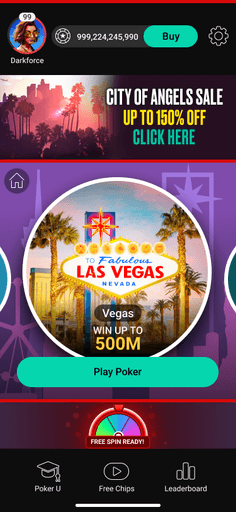
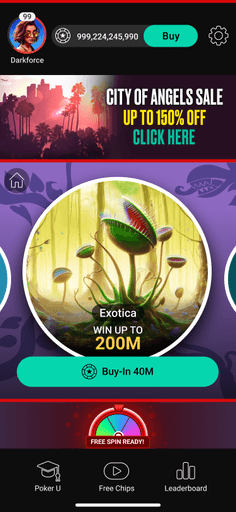
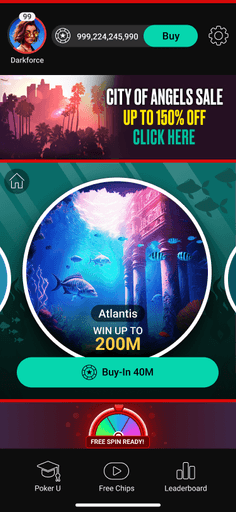
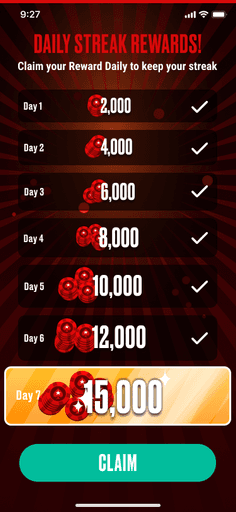
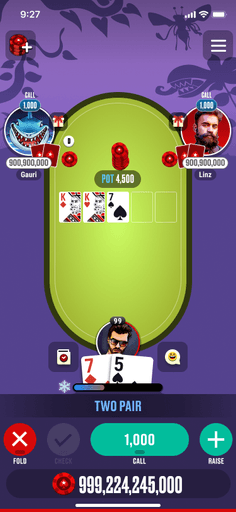
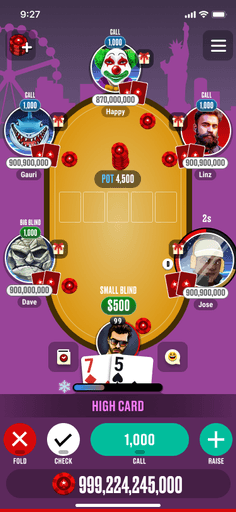
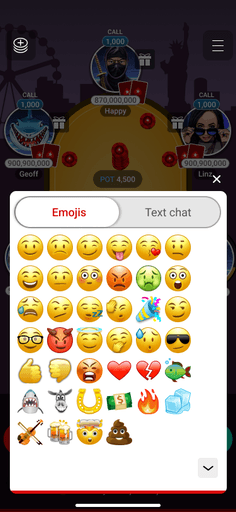
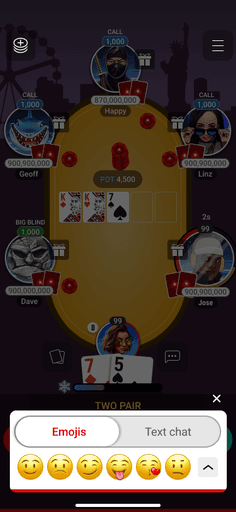
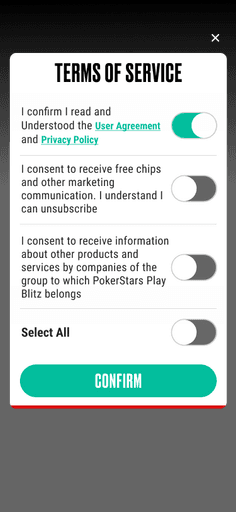
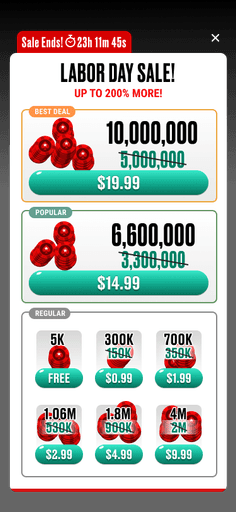
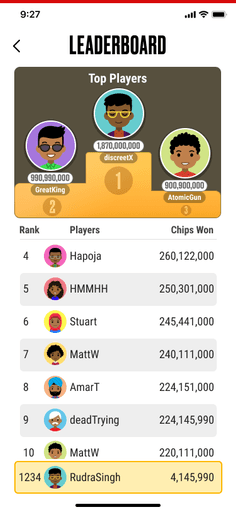
Final Designs
UX metrics
Process

Product "discovering and defining" phase
User Research
Thousands of online Poker players play on the desktop using multiple screens in front of them. There is still a handy amount of players for playing Poker casually on their mobile.
55%
Casual mobile Poker players
Market Research
As a new Poker App, I ran through competitor analysis and review to ensure our alignment and validation of the idea of a Portrait Poker app for new players of Poker.
Competitor Analysis Takeaways
Other than 2 apps, everyone else is using a landscape format for Poker games.
The 2 portrait poker games are lacking in good visuals and experience.
None of the Competitor apps encourage & appeal to new poker players.
Personas
Our Target users are urban population who are nascent to Poker and needed easy-to-grasp gameplay. 2 persona types defined our core audience and players in the USA.

Michelle
Age group:
Income:
Values:
Needs and Goal:

Jonathan
Age group:
Income:
Values:
Needs and Goal:
Early stage Problem Solving of Tech hurdles
Implementation was challenging for the tech since none of the team members were proficient in Unity Game Engine. Therefore, Design, Product and Tech sat together and brainstormed a MVP (Minimum Viable Product) ideas for Blitz.
Problems discovered
Implementation is challenging in Cocos engine.
The application must be lightweight to avoid latency and ensure smooth gameplay.
Proposed Solutions
Tech needs to learn and develop game in Unity.
We need to create most of the elements in vector in Illustrator and Figma. Agreed to use SVGs and webp instead of heavy image formats like PNGs.

Product "developing and delivering" phase
At the discovery phase of the product we already had the data and the problems that exists from our user base from existing Poker product, we did not take too much time going into define stage.
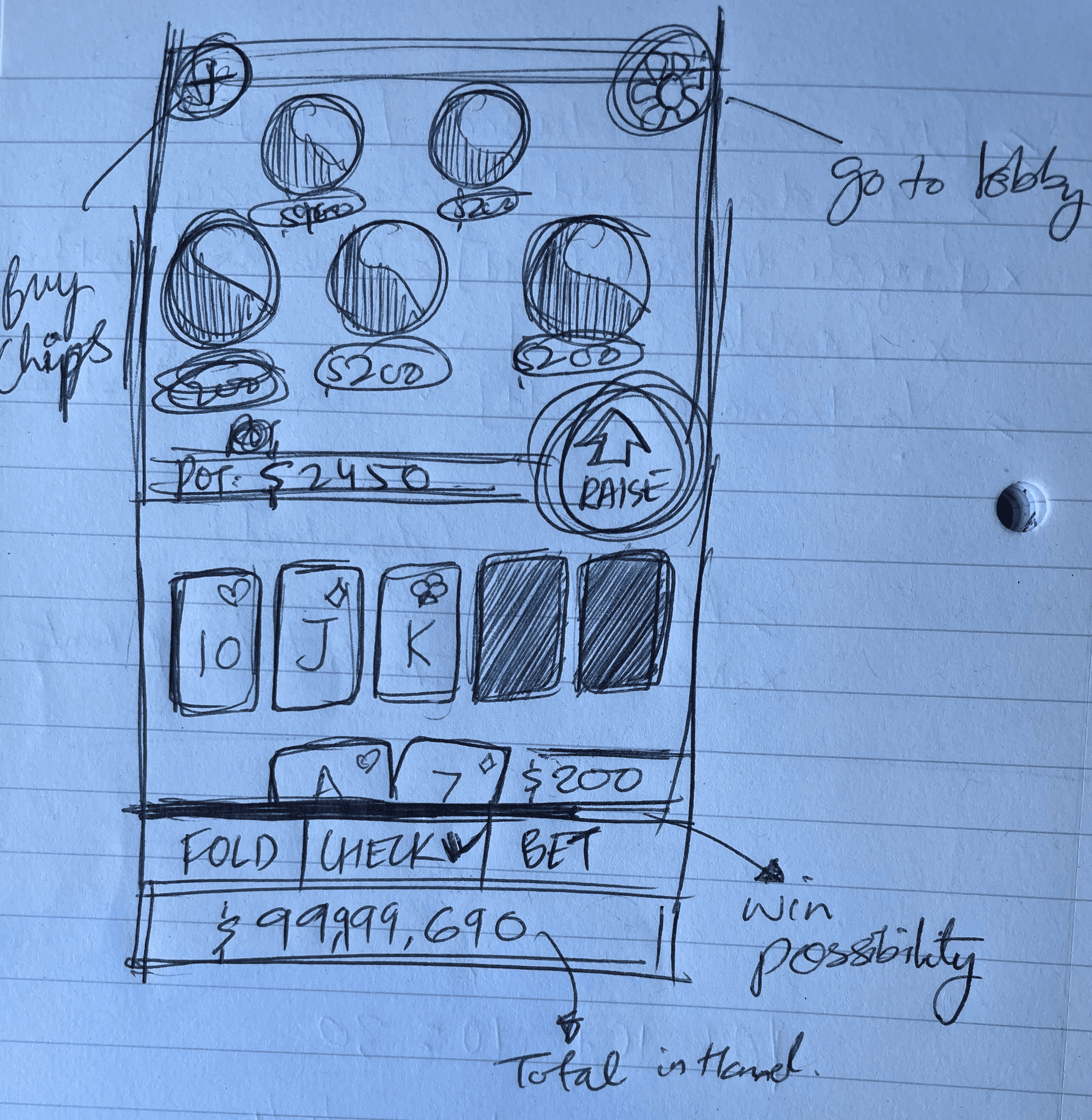
Concept & Paper wireframes
I went ahead and started generating ideas through sketches for layout and UI from the ideas generated earlier.
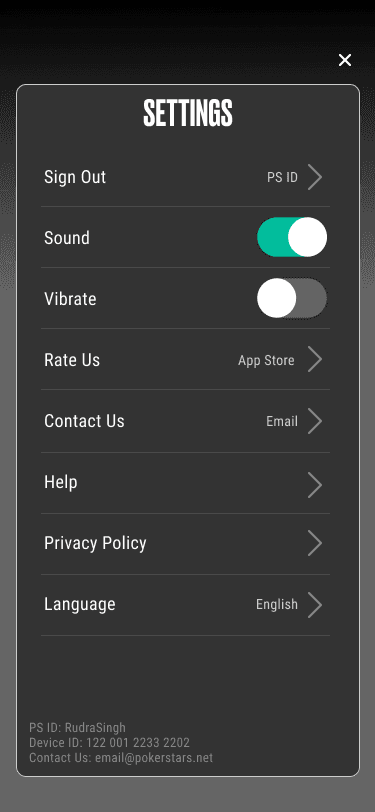
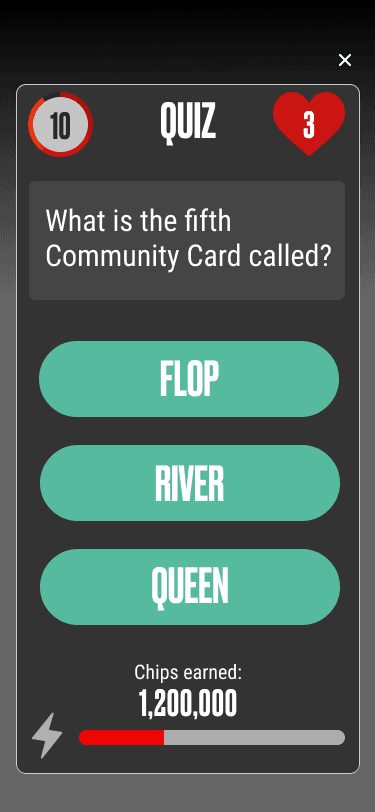
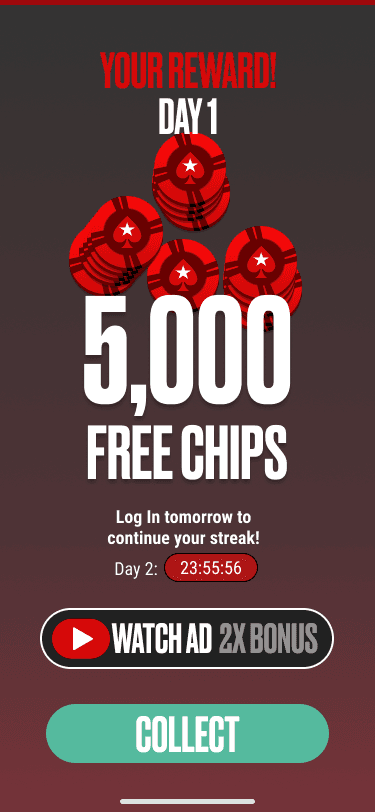
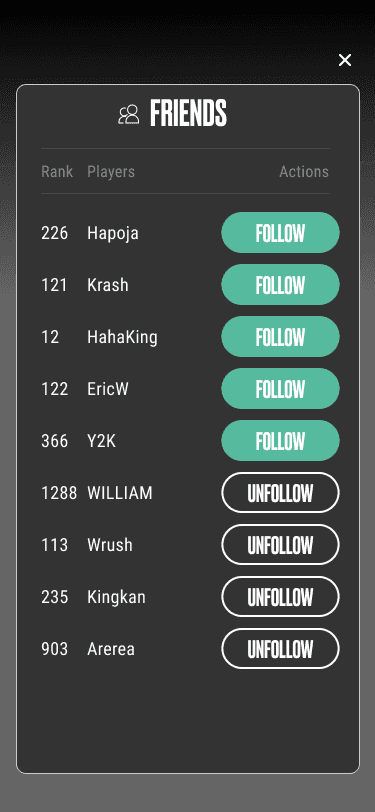
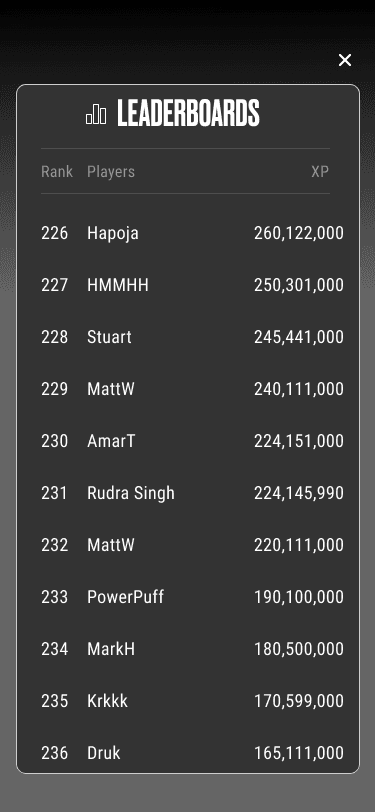
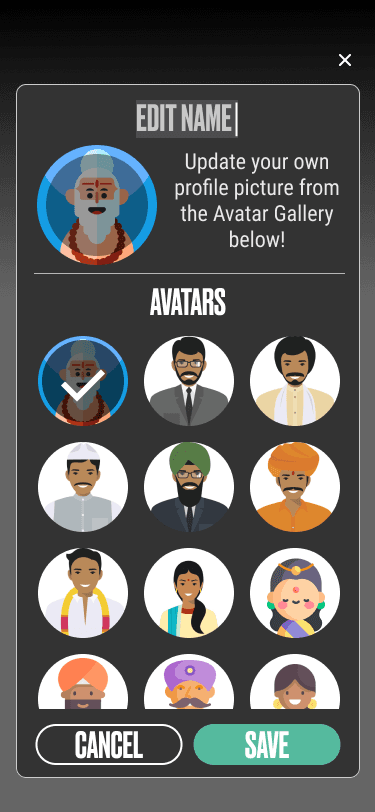
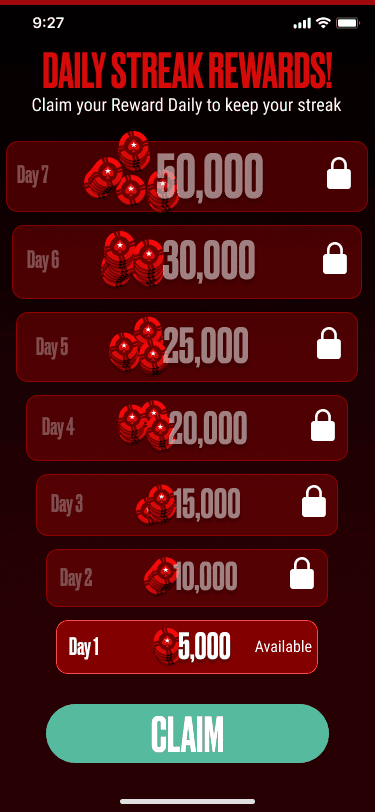
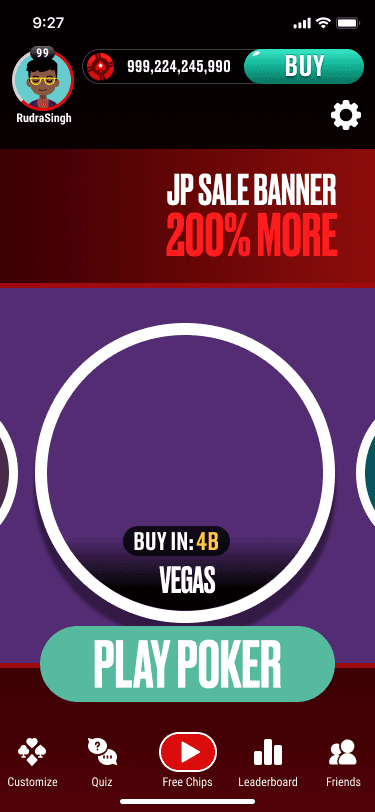
Information Architecture for tech
Linked key screens and utilised the user journey to create multiple use cases and corner cases for the tech team.
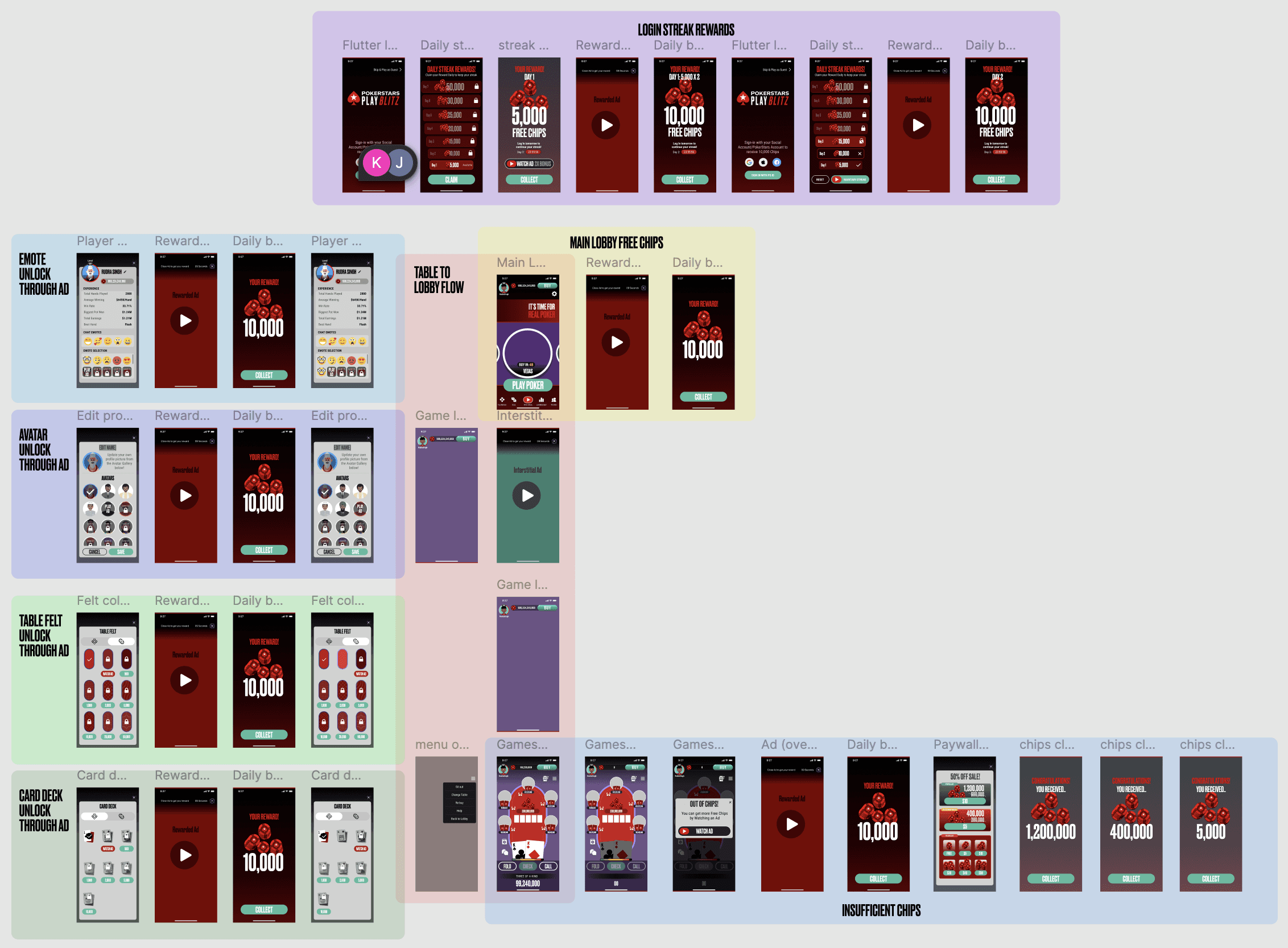
Screen and dialog Transitions for tech
We created Interaction design and transitions via demo animations in Figma and Animate, providing the development team a vision, prior to coding the game for Unity.

Refined wireframes in Figma for early dev build
In Figma, I crafted wireframes using basic shapes and colours, allowing for effortless transformation into detailed mock-up screens at a later stage. We had finalised the font usage for heading (Druk) and body (Roboto).
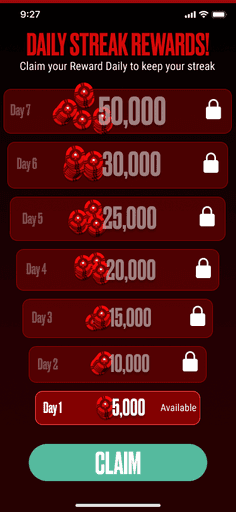
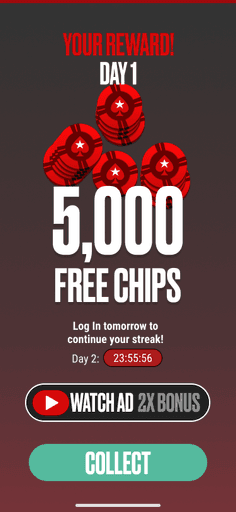
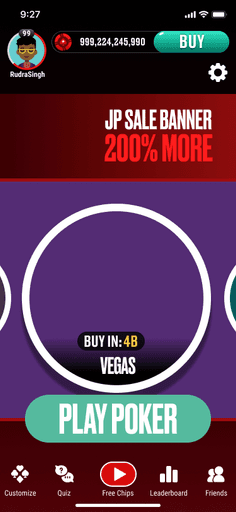
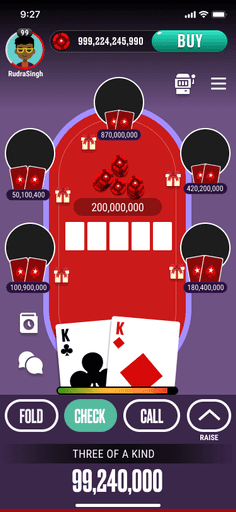
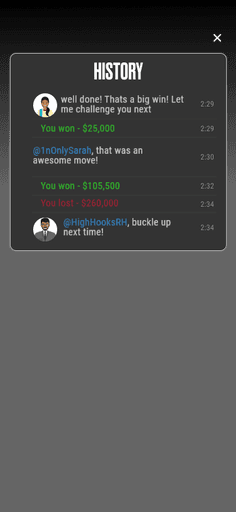
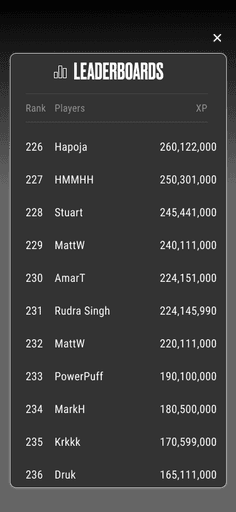
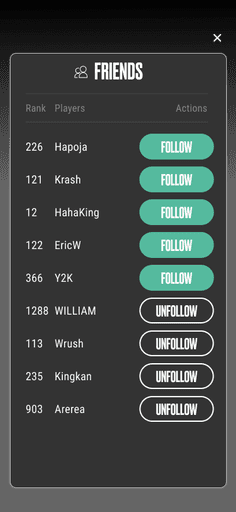
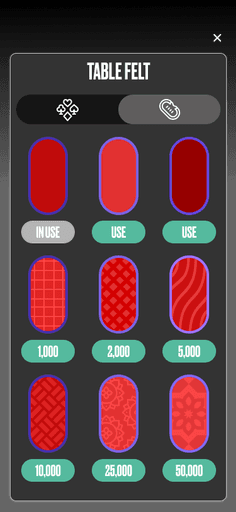
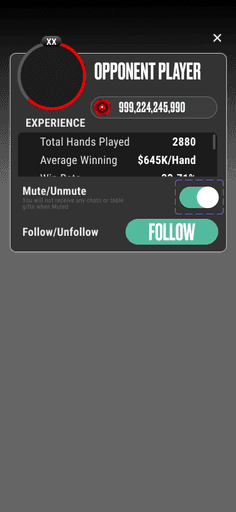
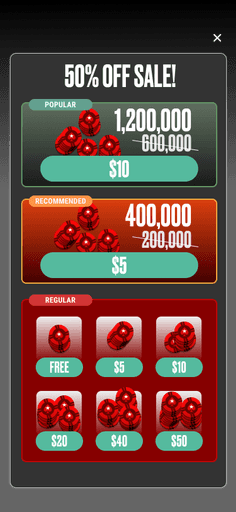
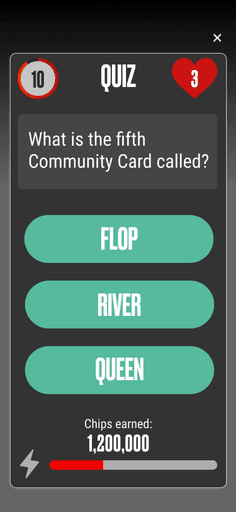
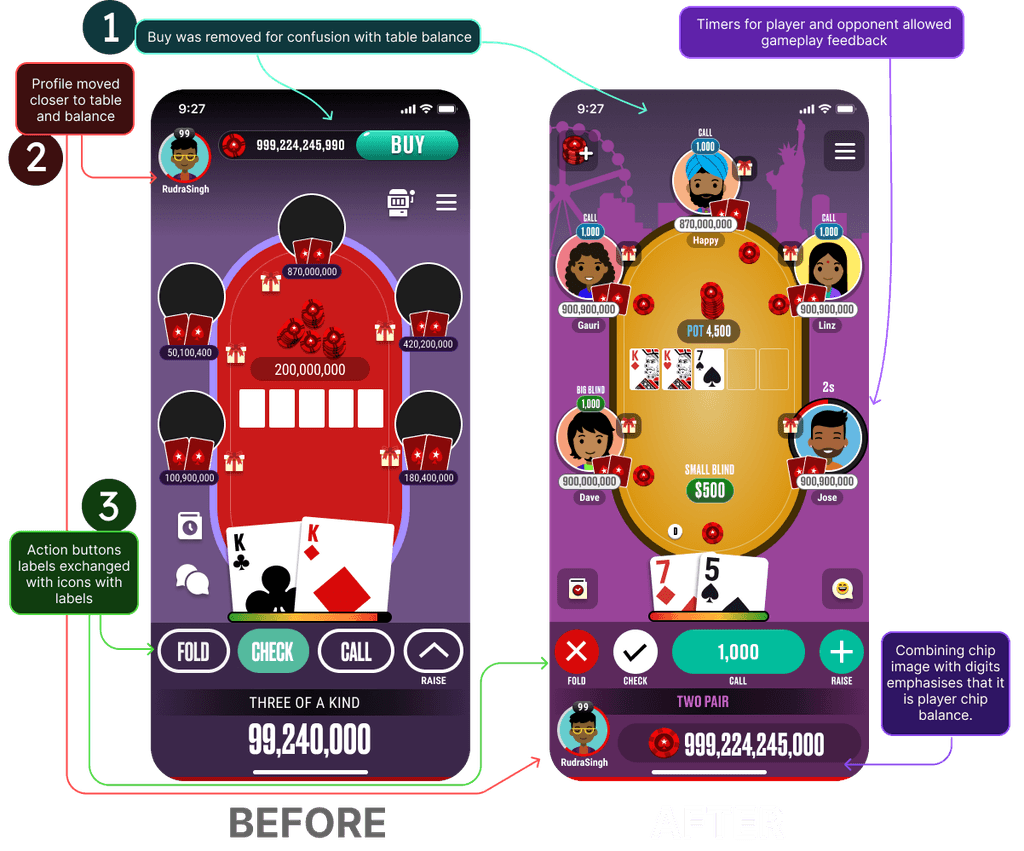
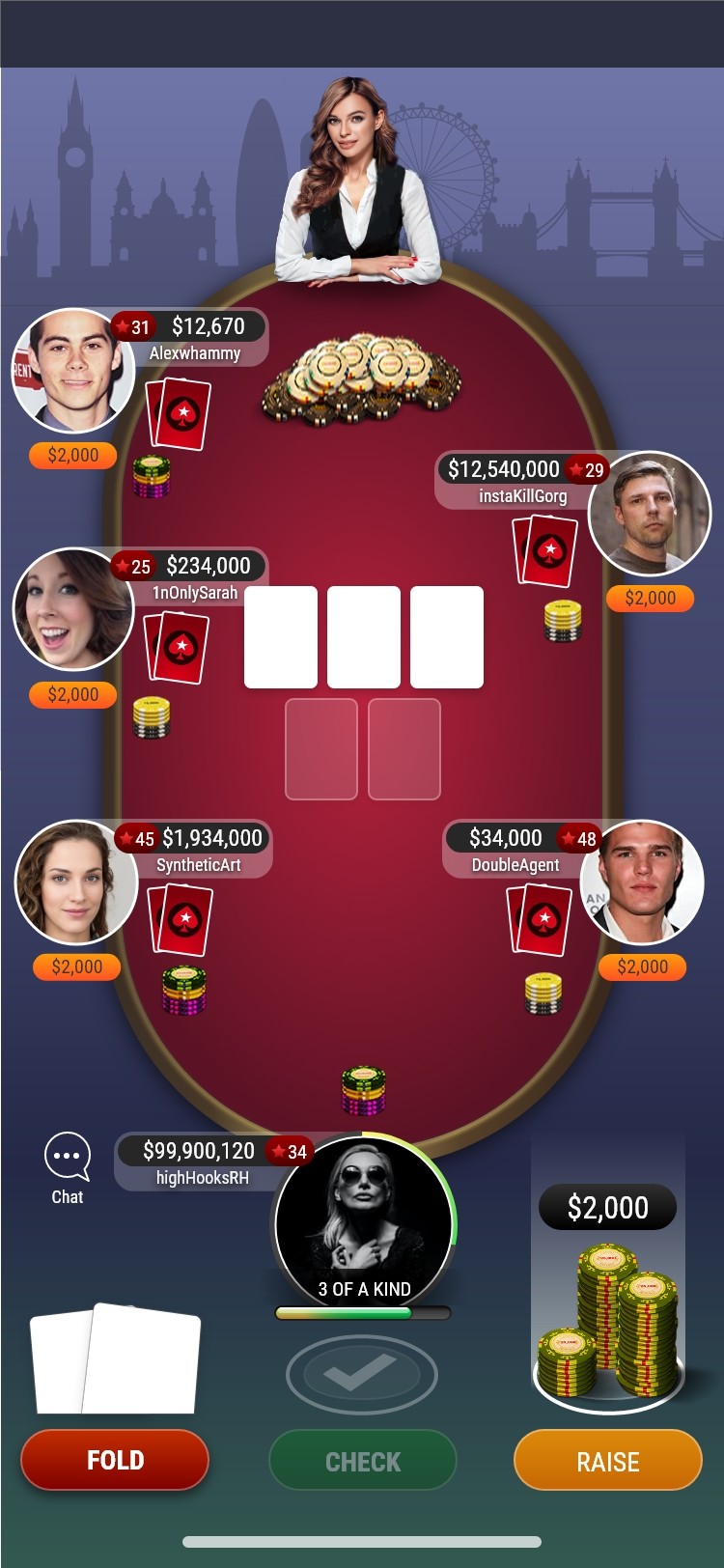
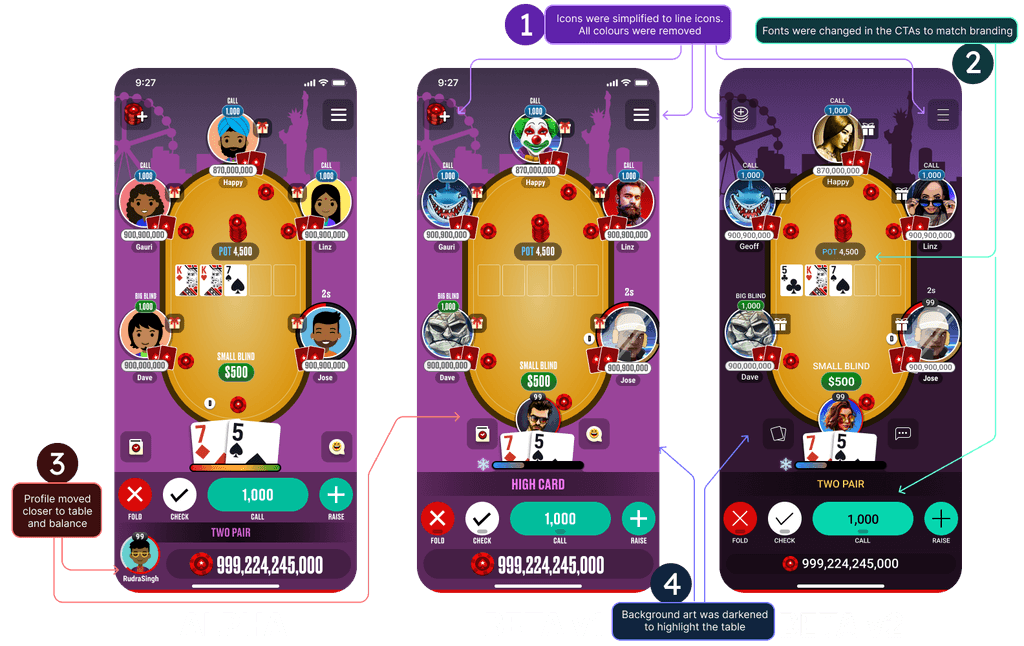
MVP Developer build issues (BEFORE)
Keeping Buy button in top HUD in the gameplay screen is confusing.
Player profile on the top left and away from the table was confusing.
Better clarity needed for buttons by giving padding and margin. Text on buttons use more space on screen.
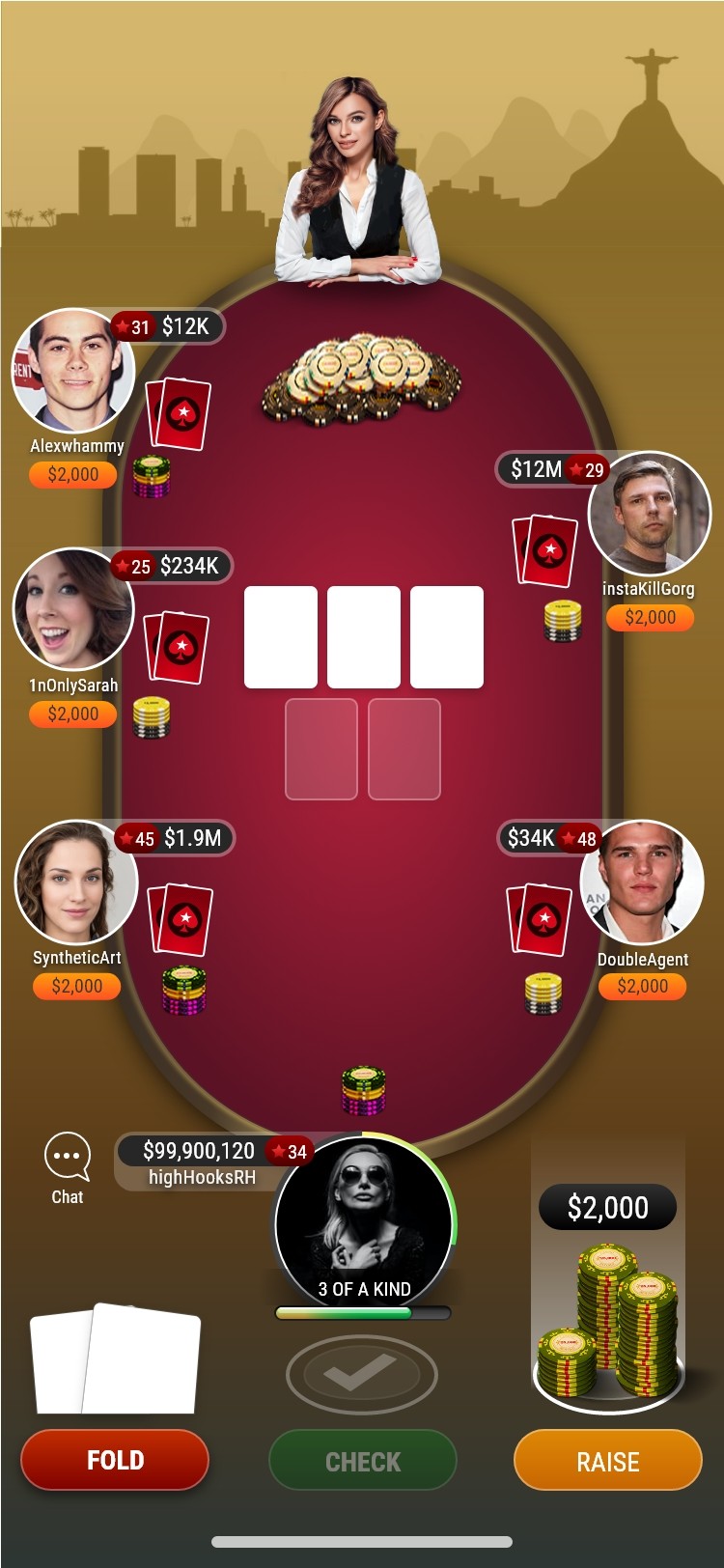
Proposed UX Solutions (AFTER)
Buy button was removed from top in the gameplay screen.
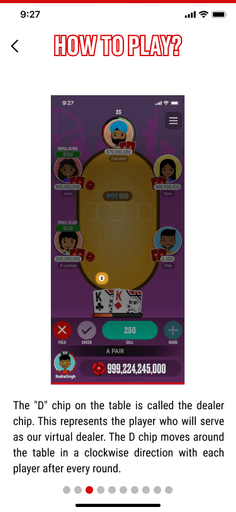
Player profile moved closer to the table make their actions clearer.
I gave icons for actionable buttons for better clarity. Used space optimally.
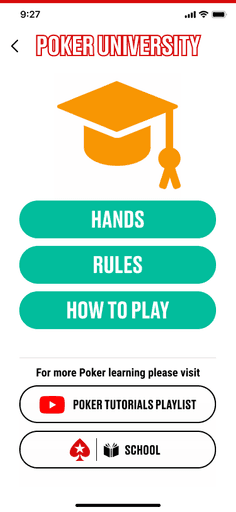
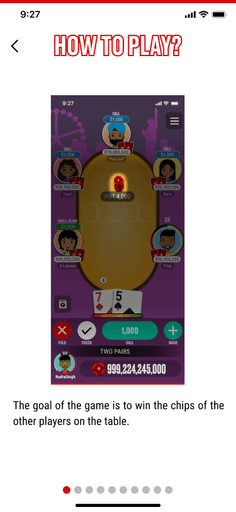
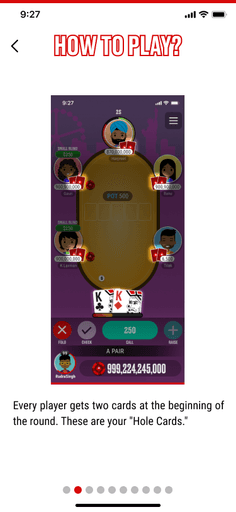
Figma Components for hand-off
I converted the Designs in Figma into components to function as a toolkit for both designers and developers.
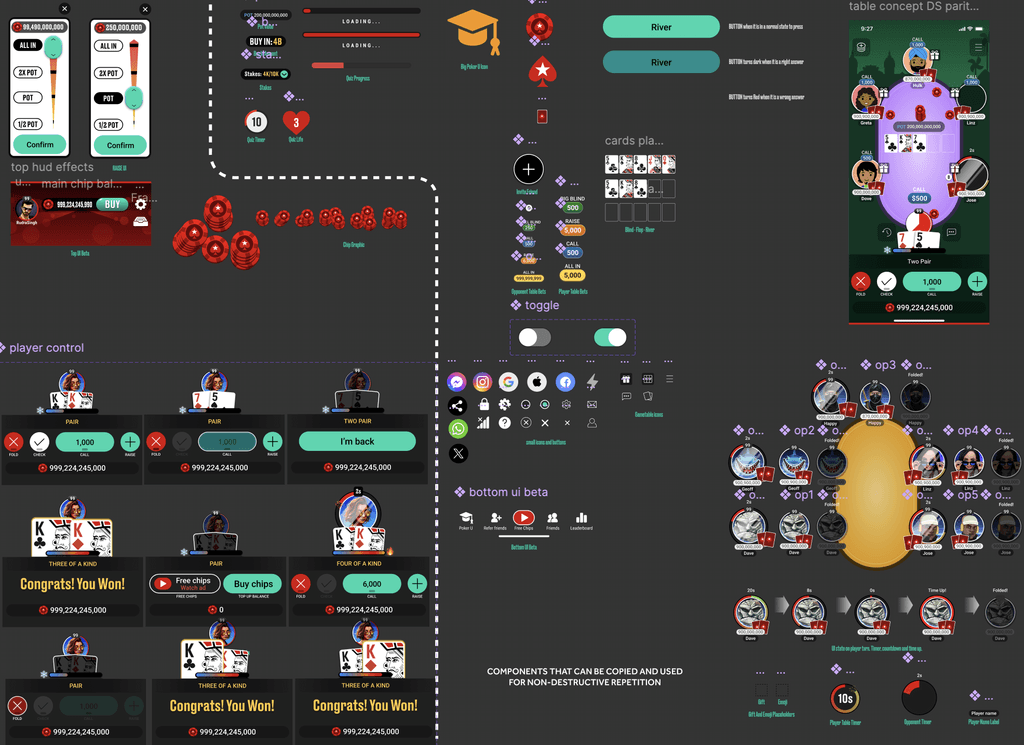
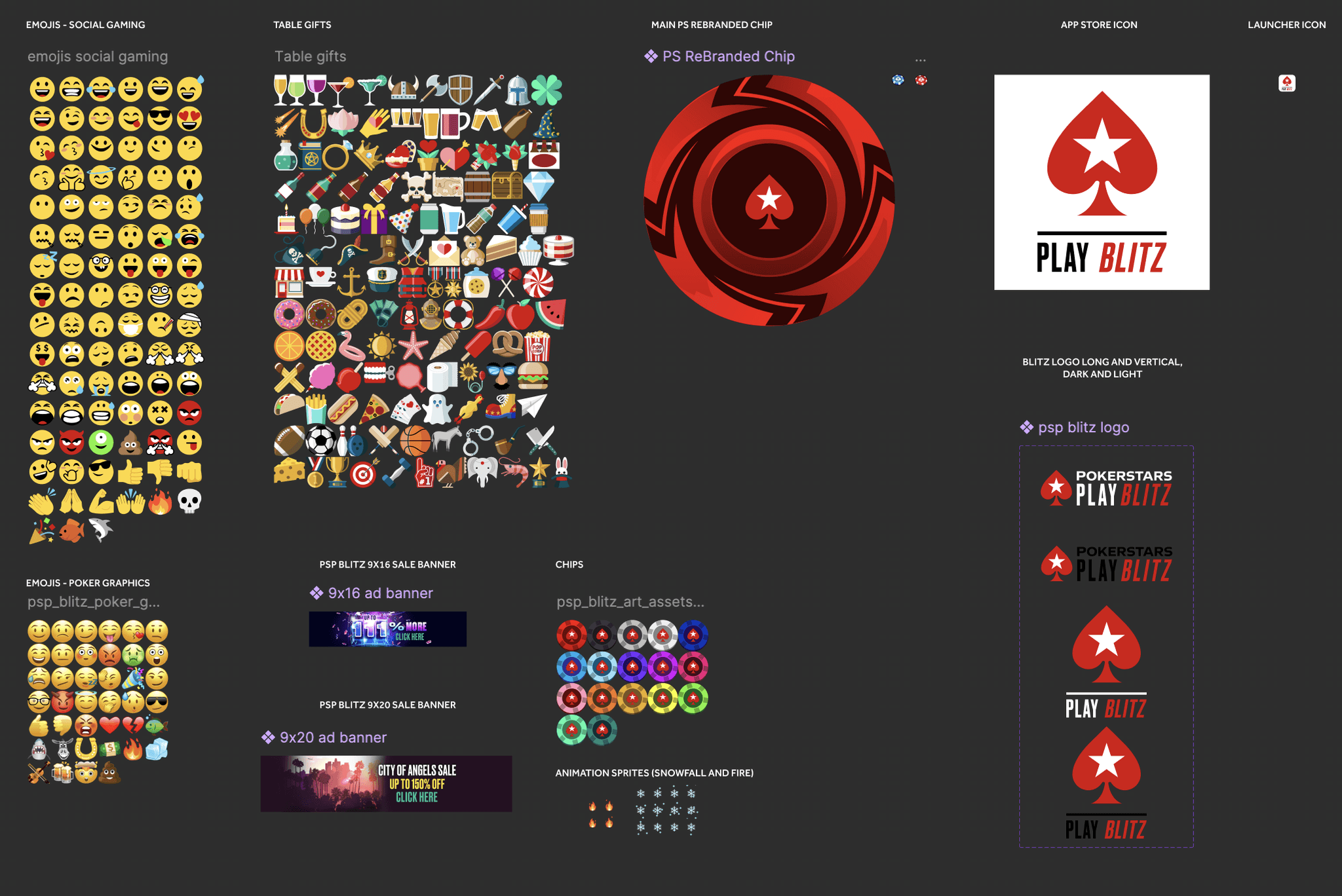
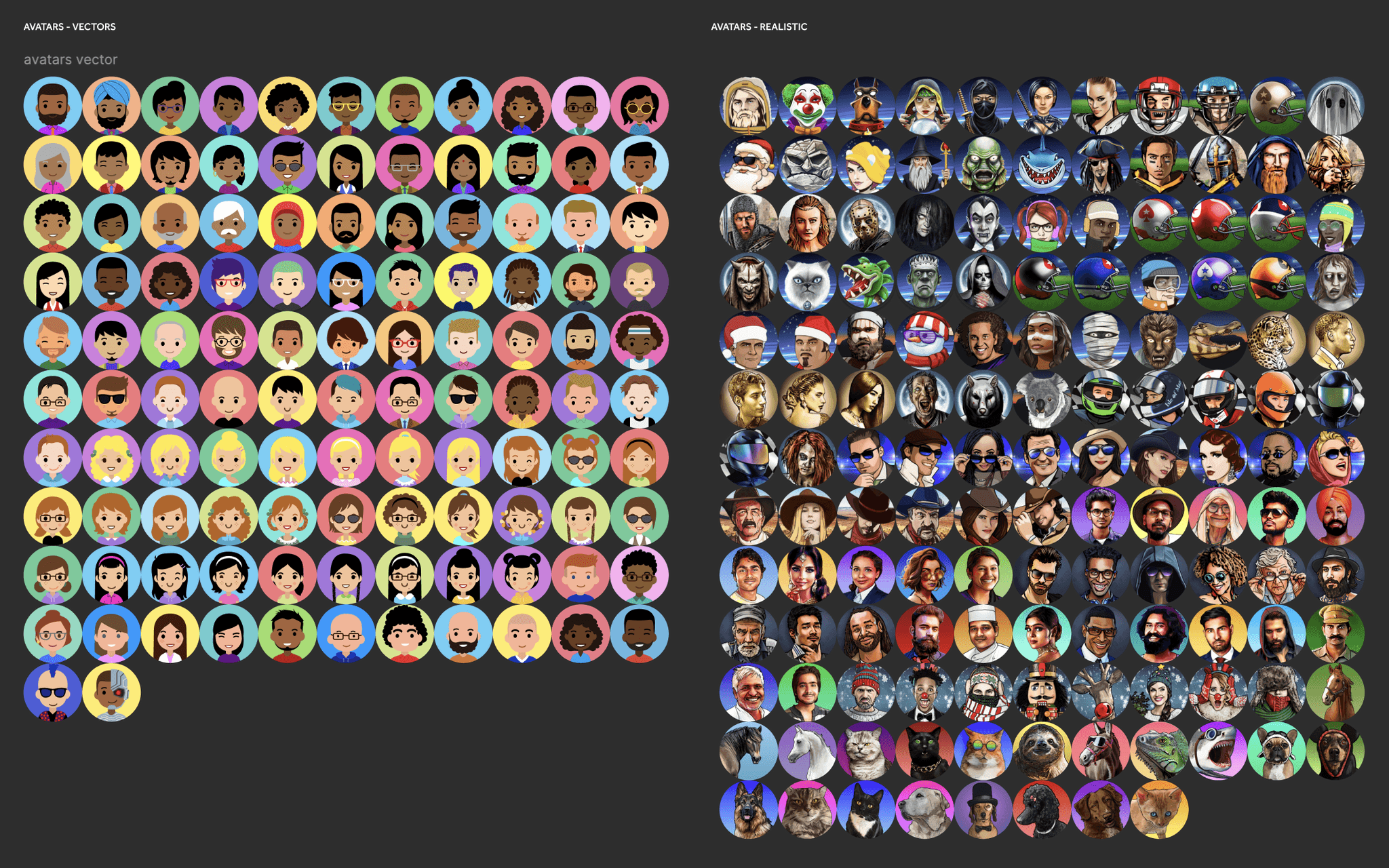
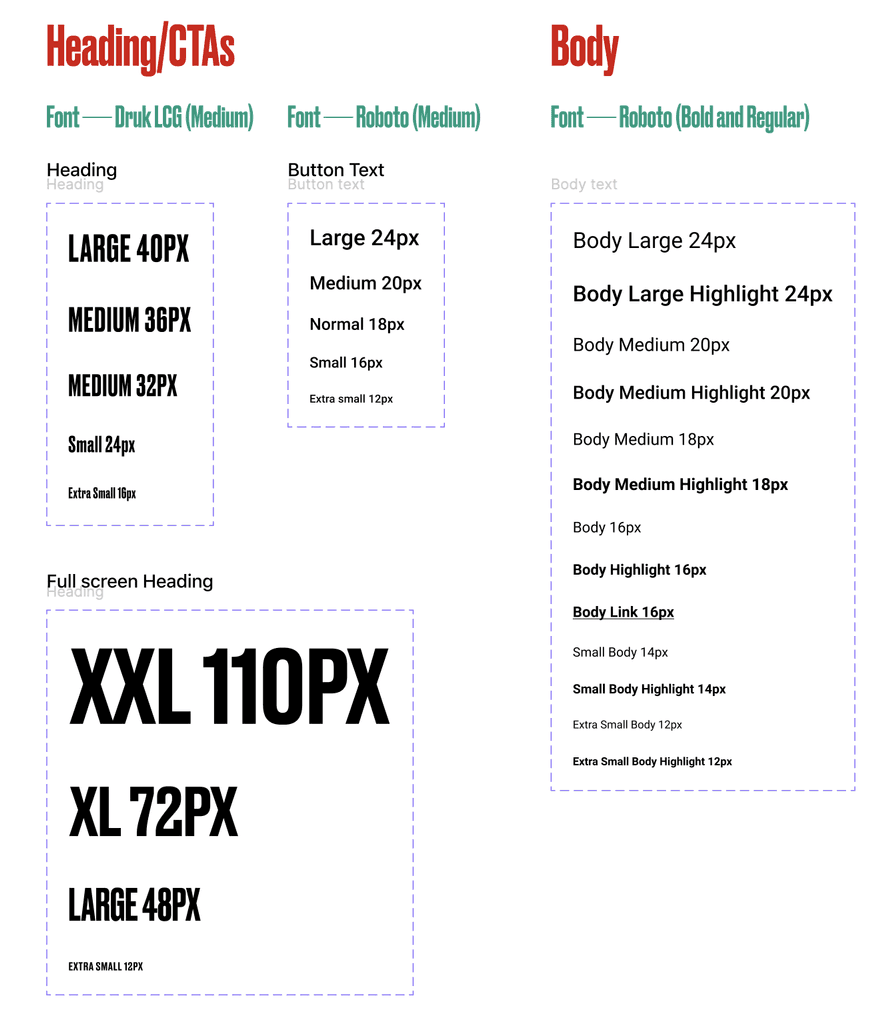
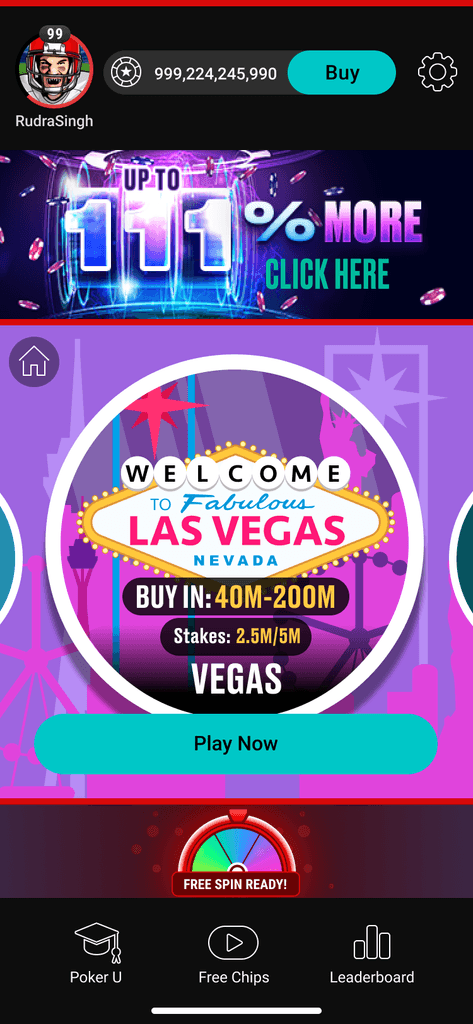
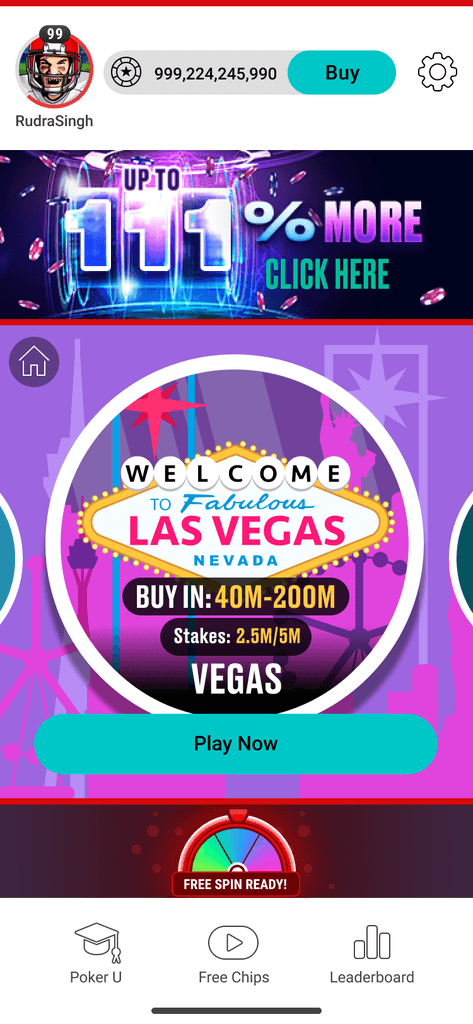
Use of Figma variables for Dark and light mode
Provision for dark mode and light mode were introduced to make the app more accessible and adhere to app store guidelines. Utilising Figma variables allows for the switch between dark and light modes with just a single button press inside Figma.
Improved Game play experience

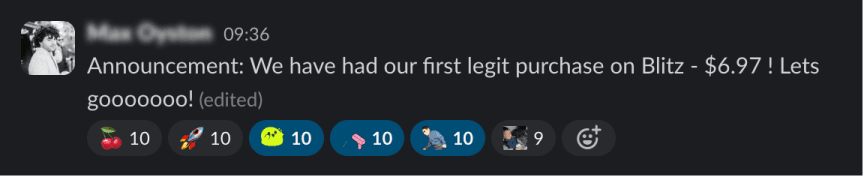
Winning moments
Player purchase moments shared by the Product Team on Slack.
Blitz Product Learnings
Getting prototypes built in Figma speeds up the app development process and gives development team a sneak peak of the final product without coding it.
Mentored both the developers and design team members about using Figma for creating and exporting assets. Learnt asset exporting together as a team.
Learnt the use of components, style guides and design system in Figma and introduced the team to it.
Learnt patience through multiple iterations and changes to the mock ups in Figma.